The homepage now mirrors the actual XPAD flow: layout, mapping, calibration and printable parts.
Load a preset or define the layout, modules and key functions, then write to the controller.
Create printable shell and keycap files from the selected layout.
Hall-effect calibration, second-stage keycap design, and Small Deck tools.
Reconnect later to read the saved configuration and adjust module behavior.
Flash GP2040-CE for gamepad use, or build custom features on the open firmware.
Built-for-purpose presets — start from one and make it yours in the configurator.
See the technical details of each preset in the Wiki →
Works with the Small Deck app or third-party tools to launch apps, files, folders and sites, or run macro and script actions.
Use this preset →Up to four independent hall-effect keys, with precise actuation and Rapid Trigger.
Use this preset →All switch modules configured as a compact pad for frequent numeric input.
Use this preset →Four hall-effect keys run as full linear inputs through the GP2040-CE XPAD branch, optimized for racing games with XInput support.
Use this preset →Onboard mic for close-range PC voice input; hotkeys fire your common prompts and macros. Open and customizable.
Use this preset →Shortcut and macro controls for professional software workflows.
Use this preset →The technical bits that make it flexible.
Automatically generates printable keyboard shells, keycaps and internal structures from selected layout parameters.
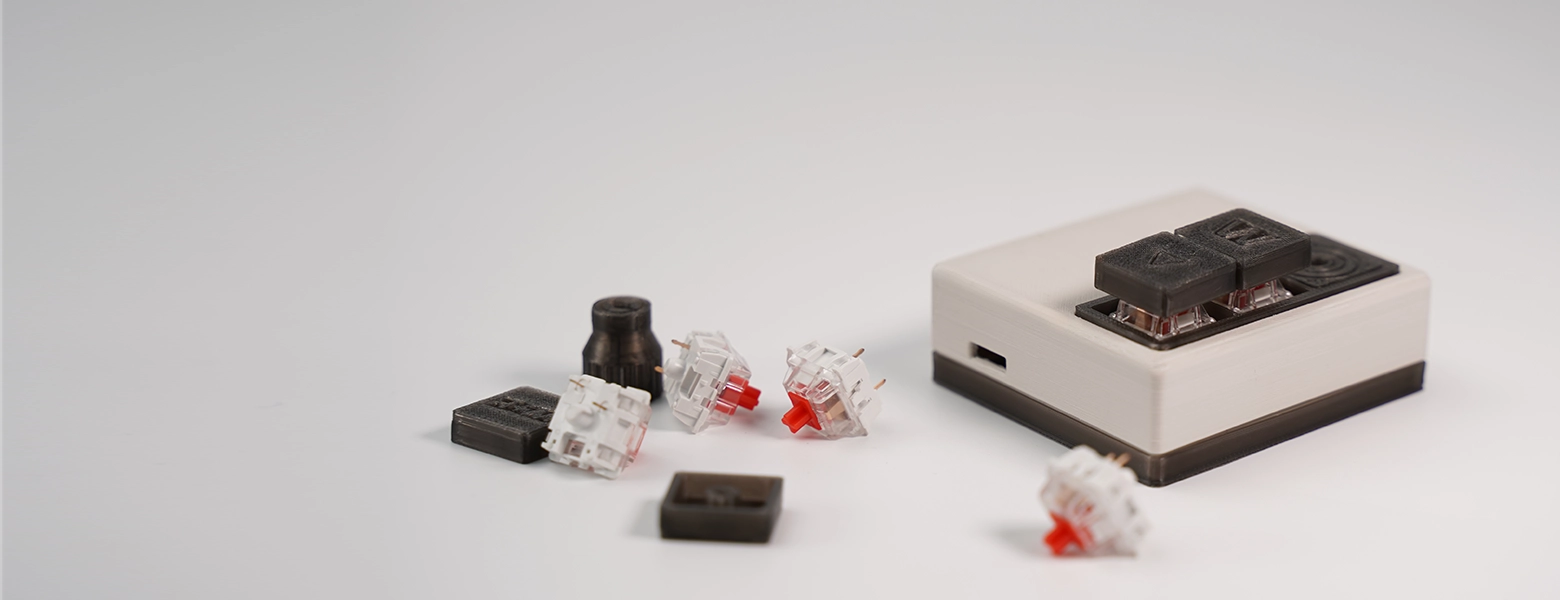
Supports magnetic switches, MX switches, rotary encoders and microphone modules.
Configure layouts, calibrate magnetic switches, and generate printable files in the browser.
Runs GP2040-CE pro gamepad firmware and the fully open-source XPAD-NEO firmware.
Multi-key sequences, modifier combos and repeats — all from a single key.
Exposed pins and documented mappings support firmware and hardware extension.